Teardown: Fish Turner Listings, Small Product, Big Image Lessons

Oct 24, 2026 · 9 min read
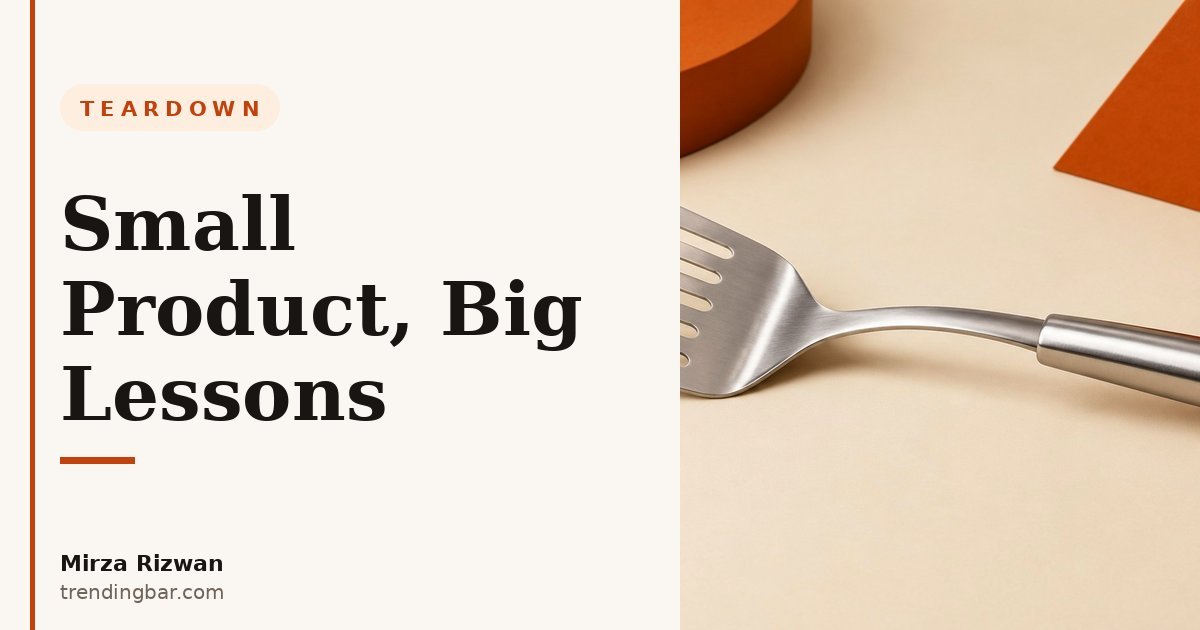
I'll be honest with you. When I first looked at fish turner listings, I almost scrolled past them myself. It's a flat piece of metal with a handle. How hard can it be to sell? Then I spent an evening clicking through listing after listing, and I got it. Almost every one of them makes the same mistake. They show you the tool. They never show you the job.
A fish turner is not a spatula with a fancy name. It's a thin, slotted, slightly flexible blade built for one nerve-wracking moment: getting a whole fillet out of a hot pan in one piece. If your images don't sell that moment, shoppers see a generic spatula, compare prices, and buy the cheapest one. I've seen this pattern across kitchen categories for eight years now. The smaller the product, the harder its images have to work.
Why do most fish turner listings fail at first glance?
They fail because the main image answers a question nobody asked. It says: here is a spatula, viewed from above, on a white background. The shopper already knows what a spatula looks like. What they don't know is why this one costs more than the one they already own.
Here's the thing. A fish turner viewed straight from above looks identical to every other turner on the page. The blade goes flat, the slots disappear into the silhouette, and the beveled edge that makes the whole tool work becomes invisible. I learned this the hard way years ago on a different kitchen tool: the feature that justifies the price is almost never the feature that's visible in a straight top-down photo. You have to angle the product so the selling point catches the eye first.
Amazon's rules don't help here, but they don't excuse a weak main image either. The main image must sit on a pure white background, RGB 255, 255, 255, with the product filling 85% or more of the frame, and no text or props allowed. That's Amazon's own image standard, and it's non-negotiable. So the angle is your one creative lever in slot one. Use it. Tilt the turner so the edge and the slots read clearly, and fill the frame like you mean it. A small product floating in a sea of white looks cheap, even when it isn't.
What should image 1 actually show?
Image 1 should show the edge, at an angle, large in the frame. That's the whole job of the main image for this product: make a shopper stop scrolling and think, that edge looks different.
Most listings do the opposite. They lay the turner flat, dead center, shot from directly above. At thumbnail size, which is how most shoppers first see it, that reads as a grey blob with a handle. Compare that to a three-quarter angle where the blade's taper and the slot pattern are visible, and the difference is night and day. One looks like a commodity. The other looks like a tool with a purpose.
And yes, this is the same discipline I keep coming back to in the 3-second rule for main images: your main image has exactly one job, and for a fish turner, that job is not to look pretty. It's to make the edge legible at thumbnail size. If a shopper can't tell your turner from a pancake spatula in three seconds, you've already lost the click to a cheaper listing.
How do you prove a thin edge without a paragraph of text?
You prove it by showing the edge doing the job, in a pan, with food. No claim in a bullet point will ever beat one photo of a blade sliding cleanly under a fillet.
This is where most fish turner galleries fall apart. They'll show the turner. Then they'll show the turner again, slightly closer. Then a lifestyle shot of someone holding it, smiling, in a kitchen that looks like nobody cooks in it. None of those images answer the shopper's real fear, which is simple: will this break my fish?
The images that answer it are unglamorous. A blade halfway under a fillet, mid-lift, with the food intact. A close-up of the slots with oil visibly draining through them, because that's what slots are for and most listings never bother to show it. A shot of the edge flexing just enough to get under something delicate without tearing it. I don't care how polished your studio shots are. If your gallery never shows the tool working, shoppers will assume it doesn't work any better than the one in their drawer.
One more thing about close-ups. A macro shot of slots, on its own, is decoration. A macro shot paired with a working shot is proof. Order matters here. Show the job first, then the detail that explains how the job gets done. Shoppers read galleries the way they read stories: action first, explanation second.
Amazon's own image standard puts it plainly: the product must fill 85% or more of the frame on the main image, on a pure white background. Small products don't get a pass on that rule. They need it more.
What about size and scale?
Size is the silent killer for this product. Shoppers can't tell from a white-background photo whether they're buying a tool that fits their hand and their pan, or a toy.
A fish turner lives in a weird middle ground. It's longer than a standard spatula, wider than most people expect, and that size is the point: it supports a whole fillet. But none of that reads in a photo with no reference point. So give shoppers one. A hand holding the handle, with the blade's full length visible. The turner resting across a standard frying pan, so the width reads instantly. The turner next to a dinner plate, because plates are the one measuring stick every shopper already owns.
I've watched sellers skip this because they think a dimensions graphic covers it. It doesn't. Nobody internalizes numbers like 12 inches from a graphic while scrolling on a phone. They internalize a hand, a pan, a plate. Use the graphic too, sure, but treat it as backup for the shoppers who want numbers, not as a replacement for the ones who want to feel the size.
| What weak listings show | What strong listings show |
|---|---|
| Flat top-down spatula on white | Three-quarter angle, edge and slots visible |
| Close-up of slots, unexplained | Slots draining oil, mid-cook |
| Smiling model holding the tool | Blade sliding under food, mid-lift |
| Dimensions graphic only | Hand, pan, and plate scale shots |
| Stock kitchen, no cooking | A real pan, real heat, real food |
What image order would I actually ship?
I'd ship a seven-slot gallery where every image has one job and no job repeats. Here's the stack I'd run, and why.
Slot one is the angled main image, compliant and legible at thumbnail size. Slot two is the working shot: the blade under food in a pan, because that's the sale. Slot three is the slots close-up, now meaningful because slot two gave it context. Slot four is scale: hand, pan, plate. Slot five is the edge detail, the bevel and flex, shown honestly. Slot six is the full tool with a simple infographic of what makes it different from a regular spatula. Slot seven is the care and storage shot, because a tool that lives in a drawer needs to look like it belongs there.
Notice what I left out. No second lifestyle shot of someone grinning at a salad. No duplicate angle of the same blade. No image that exists just to fill a slot. Amazon recommends at least six images and one video per product, and that recommendation only helps if every image earns its place. An empty-feeling slot is worse than a missing one, because it teaches the shopper that your gallery has nothing left to say.
This is the same slot-by-slot thinking behind my start-here guide to Amazon listing images, and it's the approach I use when I tear down other small kitchen tools too. The pull chopper teardown had the same disease: listings hiding the one motion that sells the product. And the silicone muffin pan teardown showed the same fix working in reverse: show the release, not the pan.
What mistakes keep repeating?
The mistakes repeat because they're easy. Lay it flat, shoot from above, add a lifestyle shot, call it done. That's the template, and the template is the problem.
First, the flat main image that hides the edge. Second, the gallery that shows the tool five times and the job zero times. Third, the scale shot that never happens, so shoppers guess the size and guess wrong, and guesswork ends in returns. Fourth, the infographic that lists six features in tiny text nobody reads on a phone, instead of proving one feature with a photo. Fifth, the video slot left empty, when a five-second clip of a fillet lifting cleanly would outsell every still image in the gallery combined.
Here's my honest opinion, and it's one I don't soften: small products punish lazy galleries more than big ones do. A stand mixer can survive a mediocre gallery because shoppers already want a stand mixer. Nobody wakes up wanting a fish turner. They wake up with a problem, a fillet sticking to a pan, and your images have about ten seconds to convince them this flat piece of metal is the answer. That's not a photography problem. That's a storytelling problem, and it's fixable.
If you're selling a fish turner, or any small tool whose value hides in a detail, start with the job, not the product. Show the moment your tool saves. Prove the detail that makes the moment possible. Give shoppers a hand, a pan, and a plate so they can feel the size. Do those three things and your listing stops competing on price, because it's the only one on the page that actually showed the shopper what they're buying.
That's the work I do at trendingbar.com, where I design Amazon listing images around the one thing that makes a product worth more. And if you want a second pair of eyes on your own gallery, I offer a free audit where I'll tell you exactly which images are hiding your product's best argument. You can also see the rest of my work at my portfolio and read more about my approach in the Amazon listing images hub.